> For the complete documentation index, see [llms.txt](https://thin-vu.gitbook.io/axetor-shopify/llms.txt). Markdown versions of documentation pages are available by appending `.md` to page URLs; this page is available as [Markdown](https://thin-vu.gitbook.io/axetor-shopify/theme-sections/promo-style-1.md).
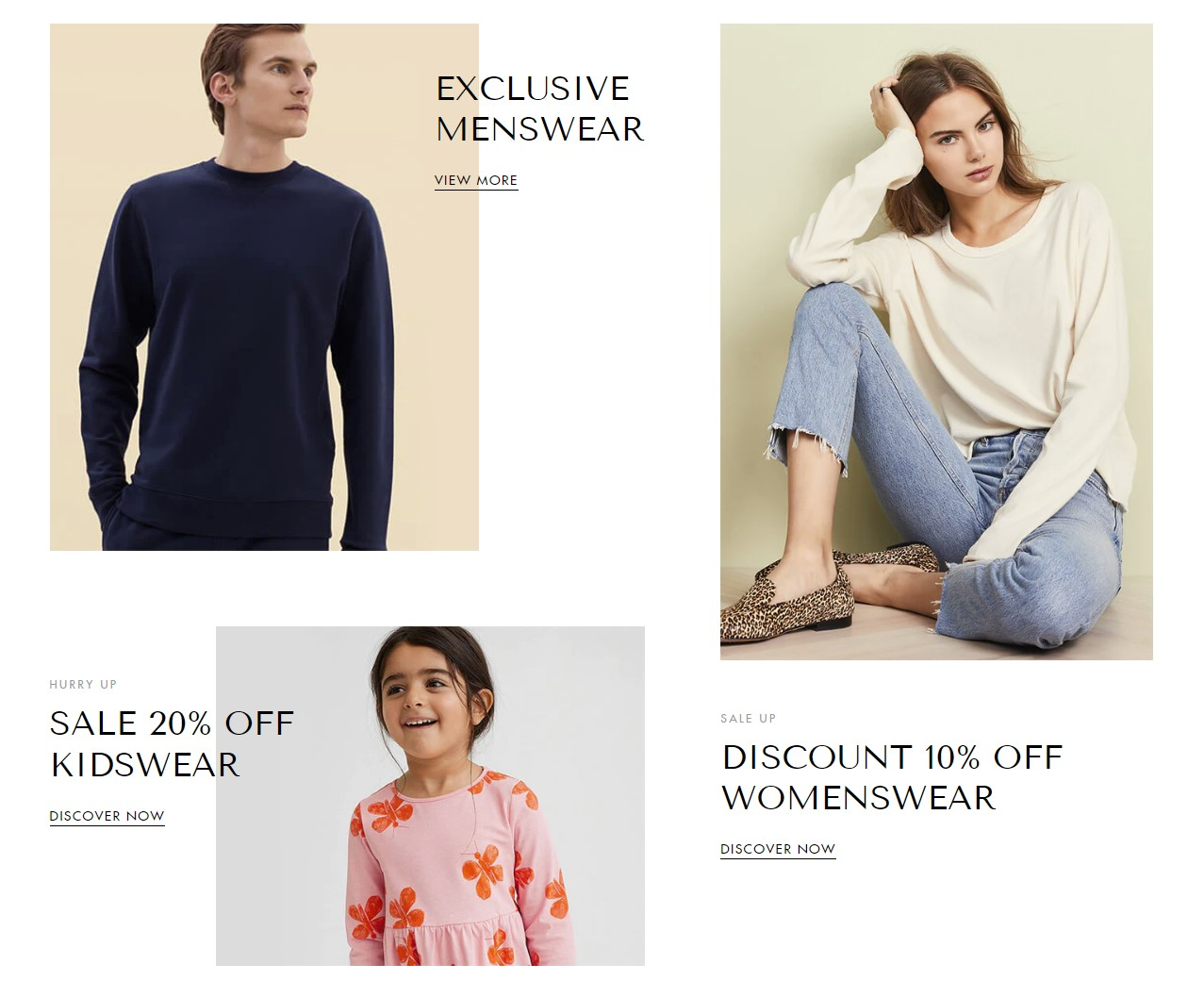
# Promo Style 1
In the theme editor **(Customize) => Section**, Add **Promo Style 1**
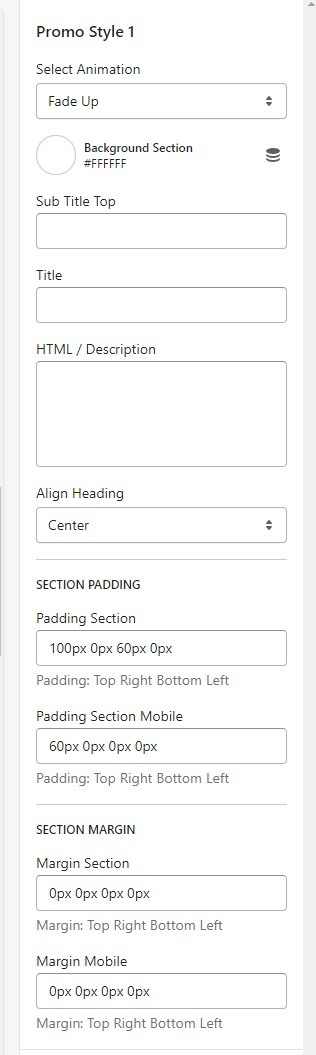
### General Settings
* Select Animation
* Background Section
* Text content, Sub Title, Heading, Description
* Align Heading
* Section Padding (Desktop on Mobile)
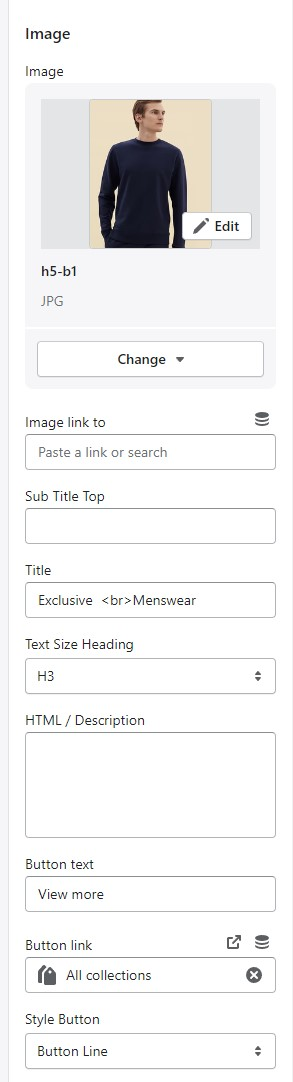
### Block Settings
{% hint style="success" %}
In **Promo Style 1** Section **>** Click **Image**
{% endhint %}
* Image
* Image link to
* Text content, Sub Title, Heading, Description
* Button text
* Button link
* Style Button