# Scrolling Text
In the theme editor **(Customize) => Section**, Add **Scrolling Text**
 ### General Settings
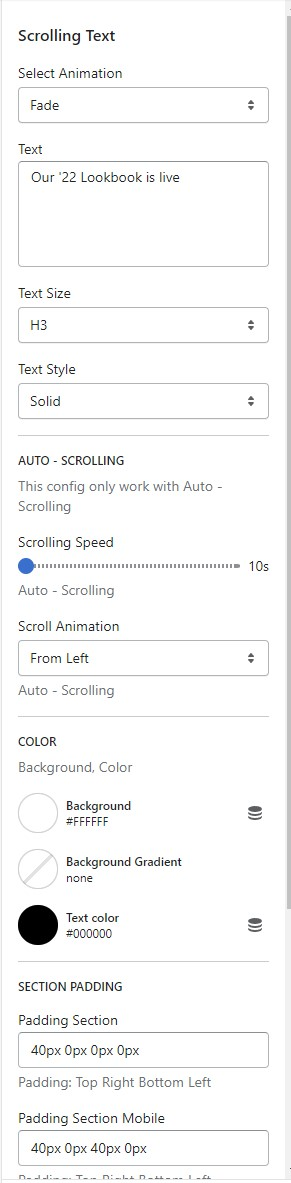 * Select Animation
* Text Size
* Text Style
* solid
* outline
* Auto Scrolling
* Scrolling Speed
* Scroll Animation
* Color
* Background
* Gradient
* Text Color
* Section Padding (Desktop on Mobile)
### Block Settings
{% hint style="success" %}
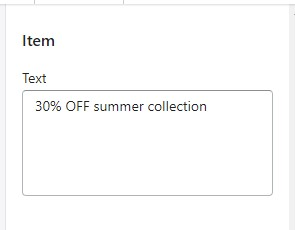
In **Scrolling Text** Section **>** Add **Item**
{% endhint %}
* Select Animation
* Text Size
* Text Style
* solid
* outline
* Auto Scrolling
* Scrolling Speed
* Scroll Animation
* Color
* Background
* Gradient
* Text Color
* Section Padding (Desktop on Mobile)
### Block Settings
{% hint style="success" %}
In **Scrolling Text** Section **>** Add **Item**
{% endhint %}