> For the complete documentation index, see [llms.txt](https://thin-vu.gitbook.io/axetor-shopify/llms.txt). Markdown versions of documentation pages are available by appending `.md` to page URLs; this page is available as [Markdown](https://thin-vu.gitbook.io/axetor-shopify/theme-sections/faqs-accordion.md).
# Faqs Accordion
In the theme editor **(Customize) => Section**, Add **Faqs Accordion**
{% tabs %}
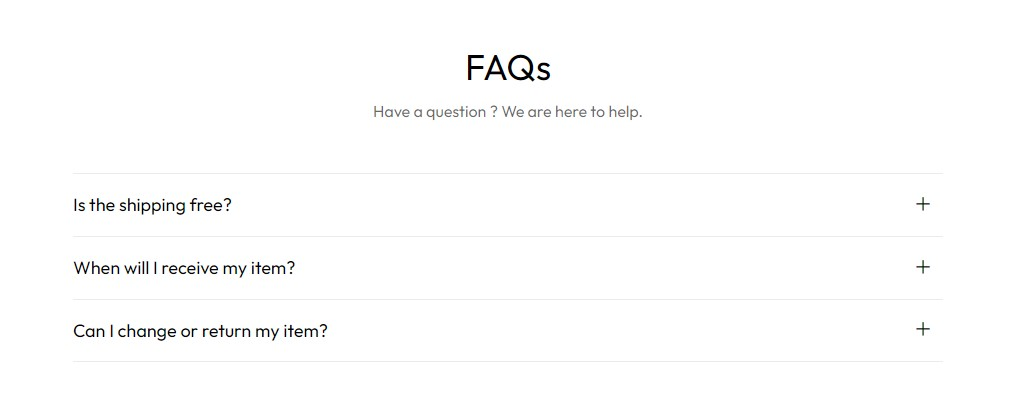
{% tab title="Disable Image" %}
{% endtab %}
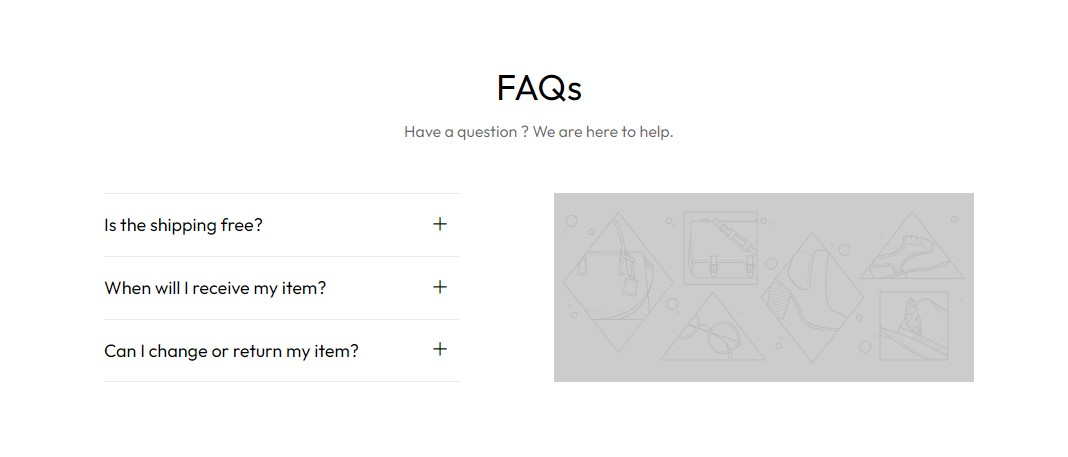
{% tab title="Enable Image" %}
{% endtab %}
{% endtabs %}
### General Settings

* Select Animation
* Width of container
* Background Section, Background Image, Background Size, Background Repeat, Background Position
* Text content, Sub Title, Heading, HTML/Description
* Align Heading
* Title Size
* Enable First Open
* Enable Reverse Column
* Enable Small Column
* Block left HTML
* Block Right Image
* Section Padding (Desktop on Mobile)
### Block Settings
{% hint style="success" %}
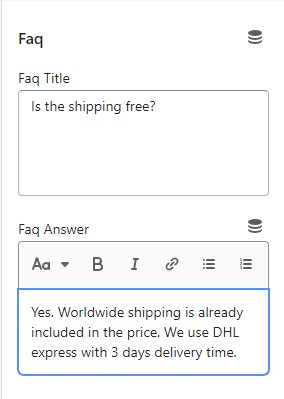
In **Faqs Accordion** Section **>** Add **Faq**
{% endhint %}
* Heading
* Answer