# Popup newsletter
In the theme editor **(Customize) => Section**, click **Popup newsletter**

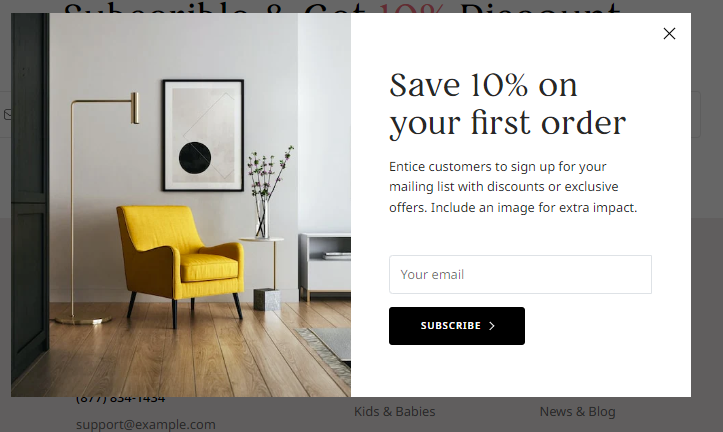
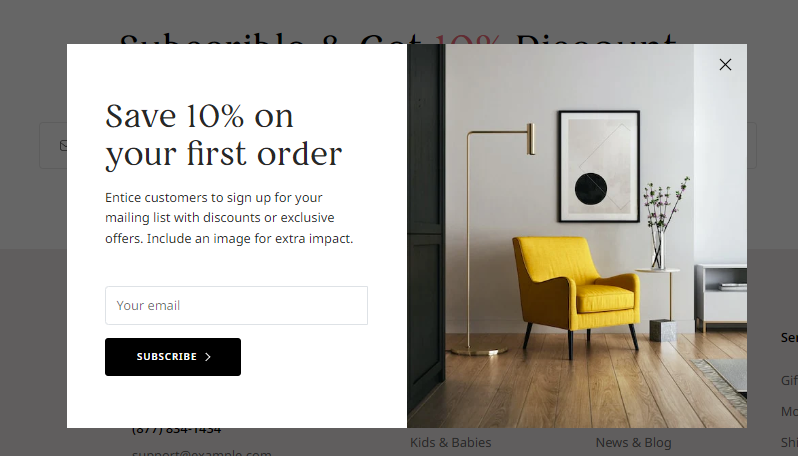
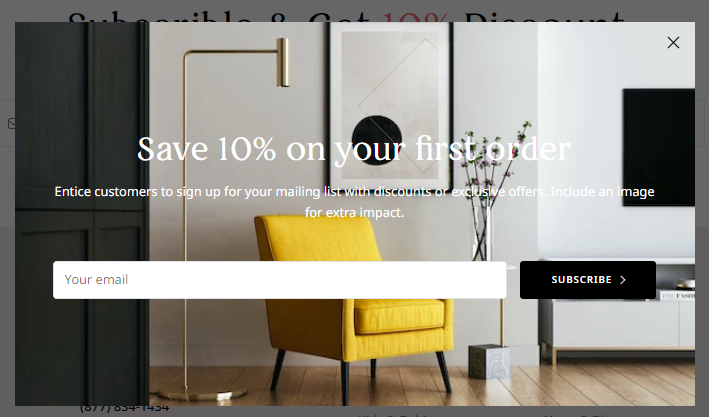
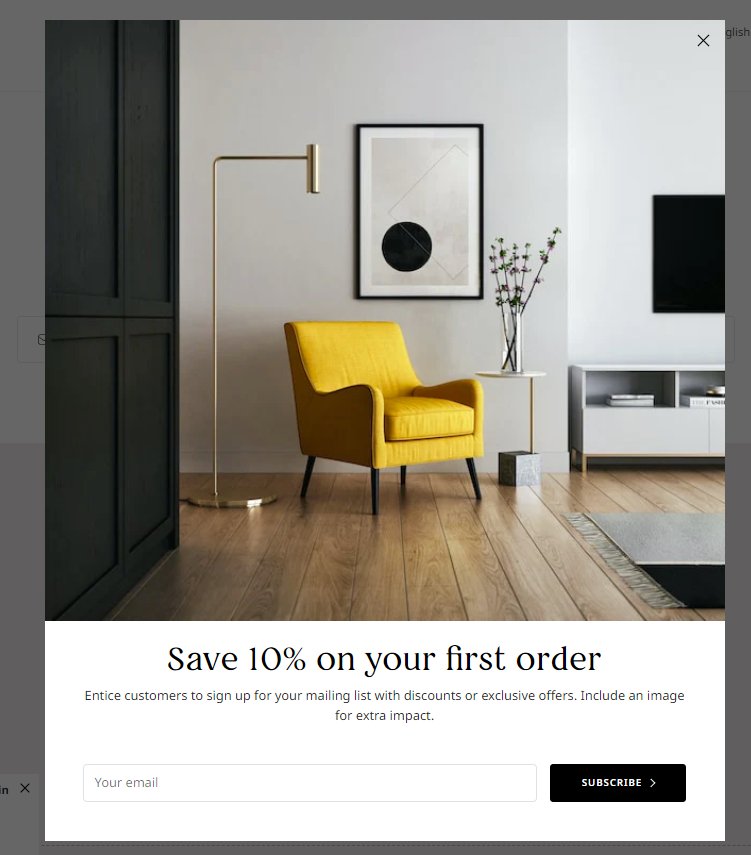
**4 Style**
{% tabs %}
{% tab title="Popup Split, Left Image" %}
 {% endtab %}
{% tab title="Popup Split, Right Image" %}
{% endtab %}
{% tab title="Popup Split, Right Image" %}
 {% endtab %}
{% tab title="Popup Box" %}
{% endtab %}
{% tab title="Popup Box" %}
 {% endtab %}
{% tab title="Popup Top Image" %}
{% endtab %}
{% tab title="Popup Top Image" %}
 {% endtab %}
{% endtabs %}
You can settings
* Enable/Disable
* Layout Style
* Width, Height
* Time, and Cookies
* Background
* Color
* Image
* Text content
## Email subscriber list management
{% endtab %}
{% endtabs %}
You can settings
* Enable/Disable
* Layout Style
* Width, Height
* Time, and Cookies
* Background
* Color
* Image
* Text content
## Email subscriber list management