# Background Video
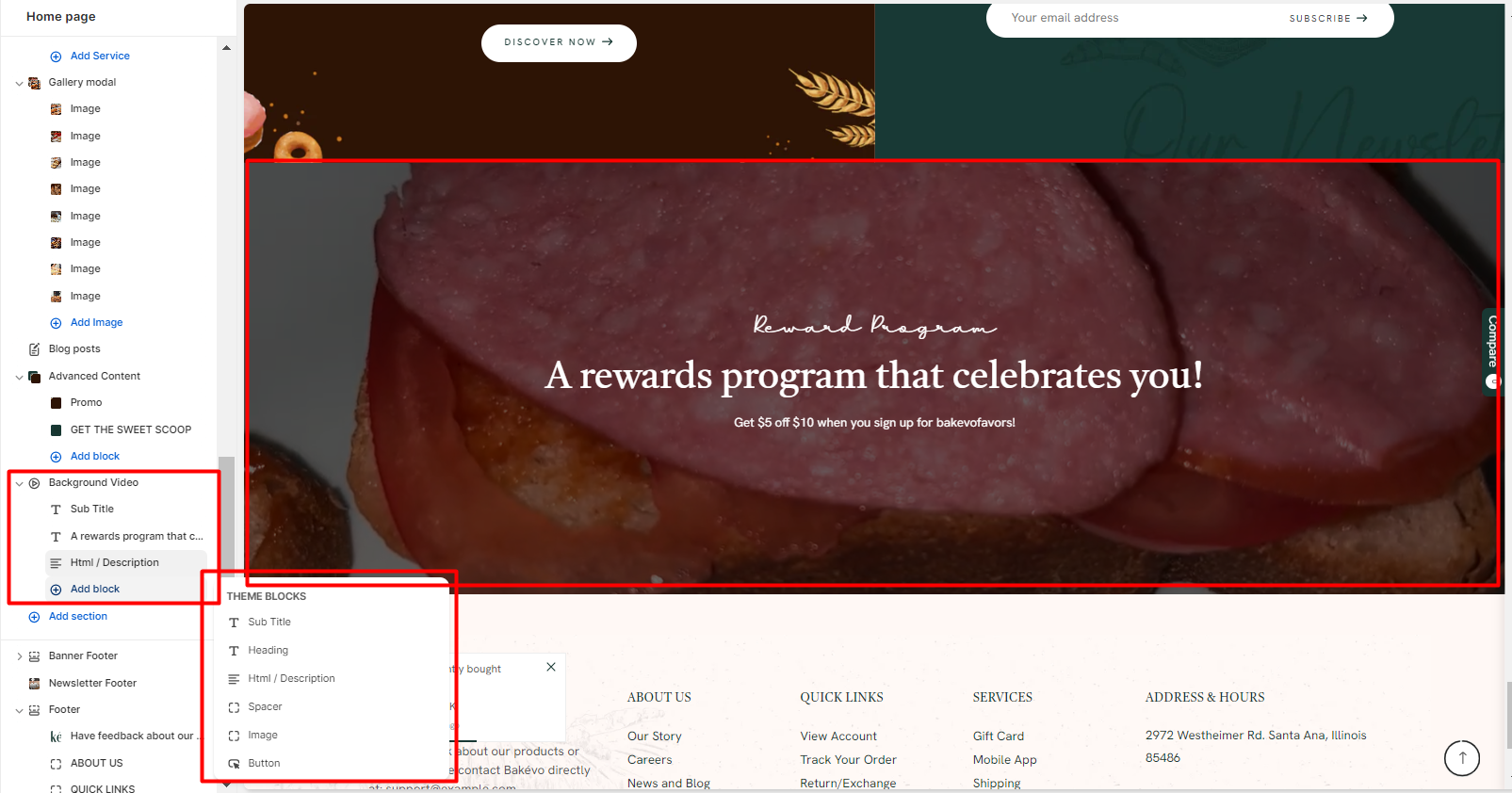
In the theme editor **(Customize) => Section**, Add **Background Video**
### General Settings
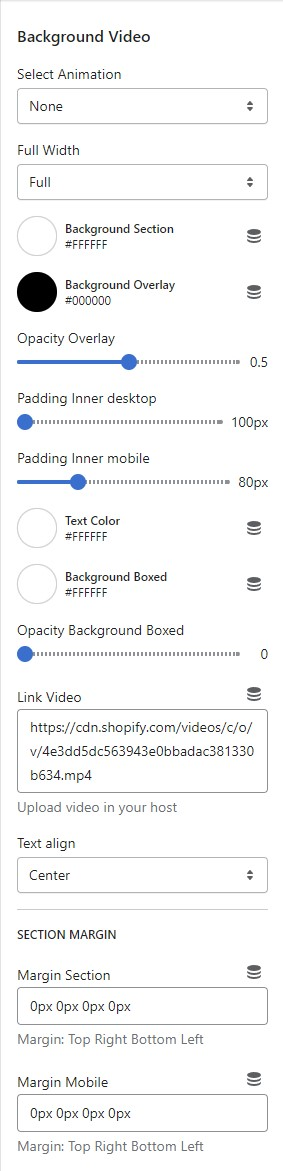
* Select Animation
* Width of container
* Background, Background Overlay, Opacity Overlay, Text Color, Background Boxed
* Padding Desktop => you can change the spacing on the Desktop
* Padding Mobile => you can change the spacing on Mobile
* Link Video => You can upload a video in Theme Settings / File then copy link video
* Text Align
* Section Padding (Desktop on Mobile)
### Block Settings
You can add
* Heading
* Subtitle
* Html/Description
* Spacer
* Image
* Button => Button can change style