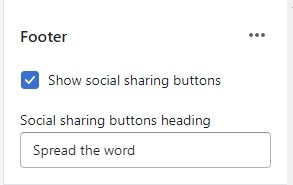
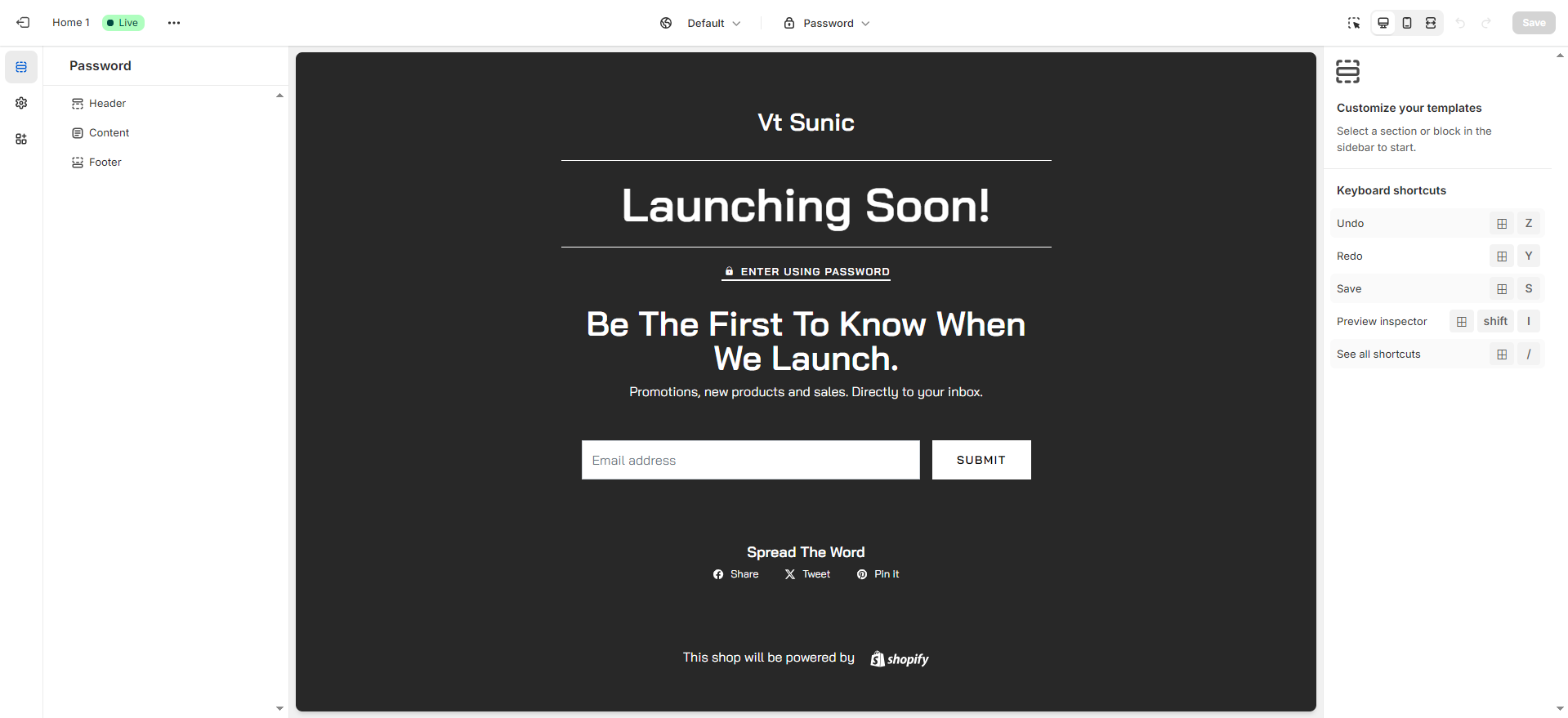
# Password
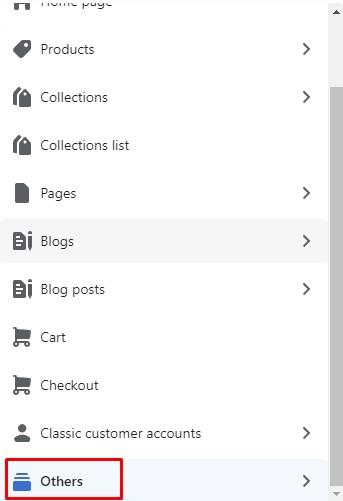
* In the theme editor (**Customize**), open the template selector
* Select **Others**, then **Password**
 ### General Settings
### Header Password
In **Password page** -> Click **Header**
### General Settings
### Header Password
In **Password page** -> Click **Header**
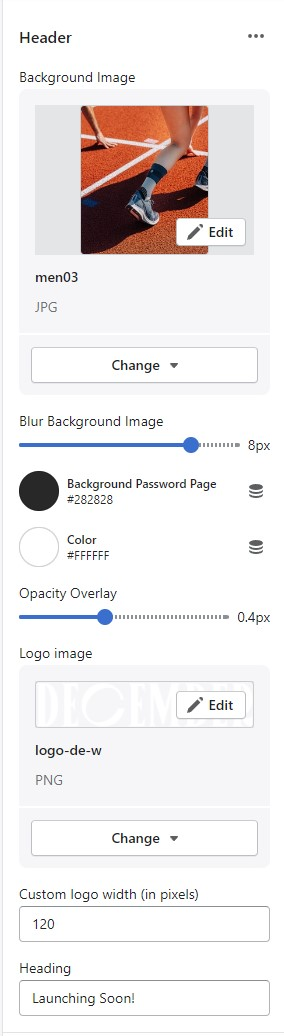 * Background Image
* Blur Background Image
* Background Password Page
* Color
* Opacity Overlay
* Logo image
* Custom logo width (in pixels)
* Heading
### Content Password
{% hint style="success" %}
In **Password page** -> Click **Content**
{% endhint %}
* Background Image
* Blur Background Image
* Background Password Page
* Color
* Opacity Overlay
* Logo image
* Custom logo width (in pixels)
* Heading
### Content Password
{% hint style="success" %}
In **Password page** -> Click **Content**
{% endhint %}
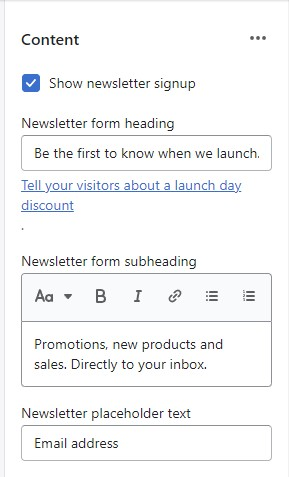 * Show newsletter signup
* Newsletter form heading
* Newsletter form subheading
* Newsletter placeholder text
### Footer
{% hint style="success" %}
In **Password page** -> Click **Footer**
{% endhint %}
* Show newsletter signup
* Newsletter form heading
* Newsletter form subheading
* Newsletter placeholder text
### Footer
{% hint style="success" %}
In **Password page** -> Click **Footer**
{% endhint %}